Home
Home
How MyChart Care Journey Provides a Personalized Roadmap for Patient Recovery

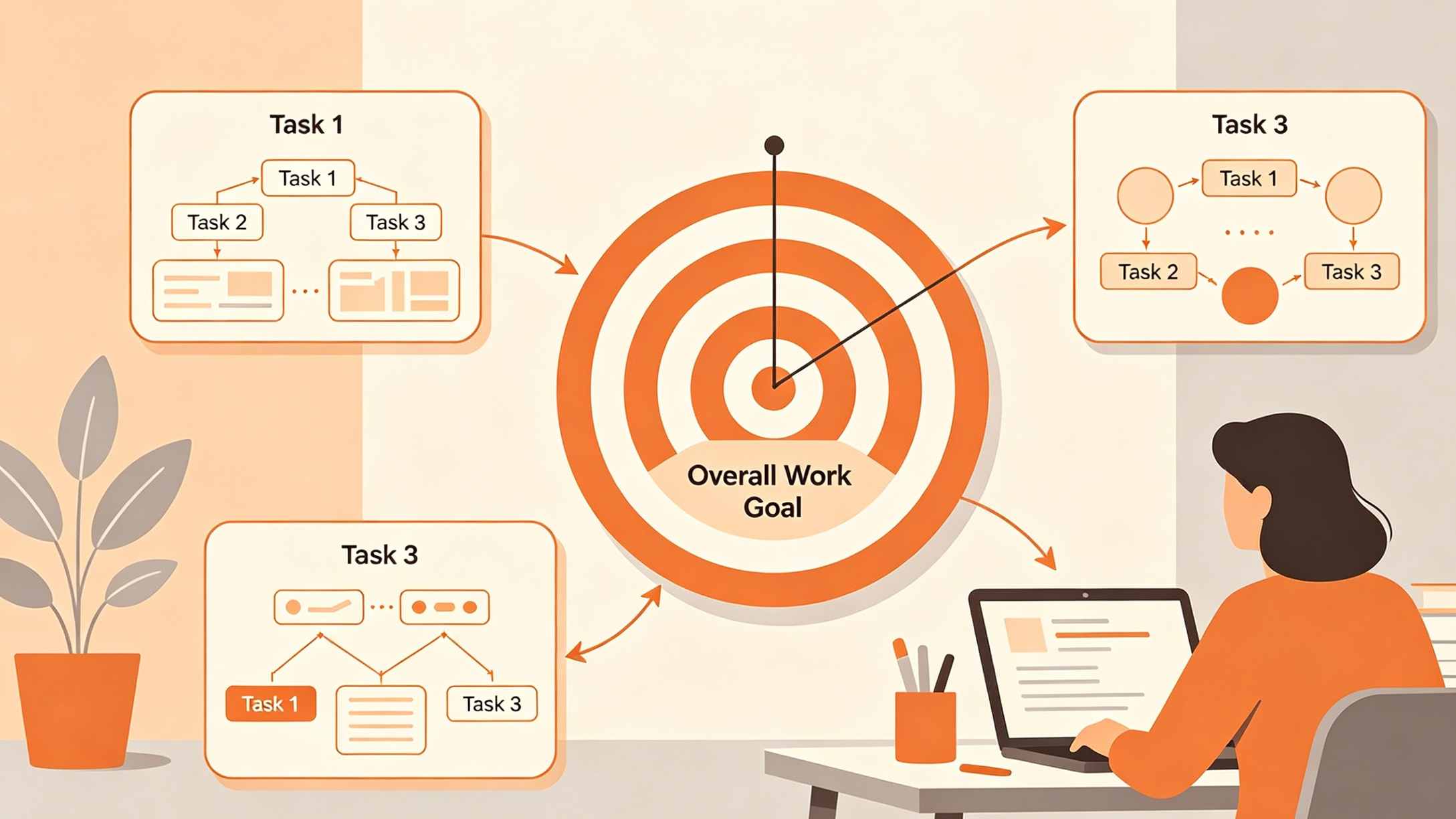
MyChart Care Journey is a sophisticated digital feature within the Epic-based patient portal designed to act as a centralized, interactive roadmap for specific medical episodes. Whether a patient is preparing for major surgery, navigating the multi-stage process of pregnancy, or managing a complex oncology treatment plan, this tool consolidates fragmented health data into a chronological, easy-to-follow timeline. It moves beyond a simple repository of lab results, offering a proactive experience where tasks, education, and appointments are synced to the patient’s specific phase of recovery or care.
The Evolution of Patient Engagement Through Digital Roadmaps
The traditional healthcare experience often involves a confusing array of paper instructions, disparate appointment reminders, and verbal directions that are easily forgotten. The introduction of the Care Journey within the MyChart ecosystem represents a shift toward "active patient participation." By providing a visual timeline, healthcare organizations aim to reduce patient anxiety and improve clinical outcomes through better compliance with pre-operative and post-operative protocols.
In modern healthcare informatics, a "Care Journey" is defined by its ability to synthesize clinical data into actionable patient tasks. It bridges the gap between the doctor's electronic health record (EHR) and the patient’s daily life. When a provider enrolls a patient in a journey, they are essentially giving them a GPS for their health event, ensuring that no critical lab test is missed and no post-surgical symptom goes unmonitored.
Core Components of the MyChart Care Journey Interface
The effectiveness of the Care Journey lies in its multi-layered interface. Unlike the standard MyChart dashboard, which is general-purpose, the Care Journey activity is highly specialized.
The Visual Roadmap Timeline
The centerpiece of the feature is the Roadmap. This is a chronological view that tracks progress from the initial diagnosis or surgical consultation through to the final follow-up. Completed milestones are typically marked with visual indicators (such as green checkmarks), while upcoming steps remain highlighted to help patients prepare. This timeline view is particularly effective for multi-month experiences like maternity care, where patients need to visualize the progression of prenatal visits and tests.
Centralized Information Hub
Patients often struggle to find specific documents across different sections of a portal. The Care Journey screen solves this by pulling relevant data into one view:
- Upcoming and Past Appointments: Specifically filtered for the current episode of care.
- Assigned Education: Digital pamphlets, videos, and reading materials curated by the clinical team based on the patient's specific condition.
- Ordered Labs and Imaging: A direct view of what walk-in labs or scans are needed to move to the next stage of the journey.
- After Visit Summaries (AVS): Quick access to notes from recent consultations related to the journey.
The Integrated To-Do List
The journey often incorporates a dynamic task list. These aren't just reminders; they are functional links. For example, a task might require a patient to "Fill out the Pre-Surgical Questionnaire." Clicking the task takes the user directly to the form. This reduces the cognitive load on the patient, as they no longer need to navigate deep menu structures to find necessary paperwork.
Specialized Care Journeys: Oncology, Pregnancy, and Surgery
The MyChart Care Journey is not a one-size-fits-all tool. It is triggered by specific medical diagnoses or planned procedures, with content tailored to the clinical pathway of that specialty.
Oncology Care Journey: Navigating Complexity
For cancer patients, the volume of information can be overwhelming. The Oncology Care Journey is designed to bring order to this complexity. It integrates the oncology care team—including oncologists, nurses, and social workers—into a single contact view. It also tracks specific chemotherapy or radiation cycles, helping patients understand where they are in their treatment regimen. The inclusion of "Goal Trends" allows patients and providers to track weight, pain levels, or other health markers that are critical during cancer treatment.
Pregnancy Care Journey: A Nine-Month Companion
The maternity journey is perhaps the most widely used version of this tool. It tracks the pregnancy from the first trimester through postpartum care. In systems like Mackenzie Health, this journey is further specialized for conditions such as gestational diabetes (GDM), connecting the patient with a "Care Companion" to monitor blood glucose levels daily. The roadmap helps expectant parents know when to expect anatomy scans, glucose tolerance tests, and when to start the hospital registration process.
Surgical and Procedural Journeys: Pre-op to Post-op
For surgeries, the journey is divided into three distinct phases:
- Preparation (Pre-op): Tasks include fasting instructions, medication adjustments, and pre-admission testing.
- The Procedure: Information about the hospital stay, what to bring, and what to expect on the day of surgery.
- Recovery (Post-op): Wound care instructions, physical therapy schedules, and red-flag symptoms that require a call to the doctor.
Care Journey vs. MyChart Care Companion: Understanding the Synergy
A common point of confusion for users is the distinction between the "Care Journey" and the "Care Companion." While they are closely related, they serve different functional purposes within the Epic ecosystem.
Care Journey is the structural framework. It is the high-level roadmap and the historical record of the care episode. It is where you see the "big picture."
Care Companion is the interactive, daily assistant. If the Care Journey says you are in the "Recovery Phase," the Care Companion is the tool that sends you a push notification at 9:00 AM asking, "Have you taken your pain medication?" or "Please record your temperature."
In practice, the Care Journey pulls data from the Care Companion. If a patient completes a daily blood pressure check in the Companion, that task is marked as "Complete" on the Journey roadmap. This synergy ensures that daily health tracking contributes to the broader clinical picture.
How to Access and Activate Your Care Journey
The Care Journey is not a feature that a patient can simply turn on in their settings. It is a provider-initiated tool.
- Enrollment: A healthcare provider must enroll the patient in a specific "Episode of Care." This usually happens after a diagnosis or when a surgery is scheduled.
- Notification: Once enrolled, the patient typically receives an email or a MyChart notification stating that a new Care Journey is available.
- Navigation: To find the active journey, users should log in to MyChart and look for a dedicated "Care Journey" tile on the home screen. Alternatively, it can be found by searching "Care Journey" in the main menu.
- Device Integration: For the best experience, many patients link their wearable devices (like Apple Health or Google Fit) to MyChart. This allows data like daily steps or heart rate to flow automatically into the Care Journey’s health tracking sections.
The Role of Care Teams in the Digital Roadmap
One of the most valuable aspects of the Care Journey is the "Care Team" section. Instead of a generic list of every doctor a patient has ever seen, this section is filtered to show the specific specialists involved in the current journey.
For a surgical patient, this might include the surgeon, the anesthesiologist, and the physical therapist. For an oncology patient, it includes the nurse navigator and the financial counselor. This targeted access allows for more efficient messaging through the MyChart Message Center, as the patient knows exactly who to contact for specific questions regarding their journey.
Why Some Patients May Not See the Care Journey Feature
It is important to note that the availability of Care Journey depends on several factors:
- Health System Implementation: Not all hospitals using Epic have enabled the Care Journey module. Some may use older versions of the portal or different third-party tools.
- Diagnosis Eligibility: Journeys are currently limited to high-impact episodes like surgery, oncology, and maternity. General wellness or minor illnesses typically do not trigger a Care Journey.
- Provider Preference: Some clinicians may choose not to use the digital roadmap if they feel a patient's case is too unique for a standardized digital pathway.
If a patient is undergoing a major medical event and does not see the tool, it is recommended to ask the clinical coordinator: "Is there a Care Journey or Care Companion tool available to help me track my progress?"
Enhancing Health Literacy through Digital Tools
The Care Journey does more than just organize appointments; it acts as a tool for health literacy. By providing "Assigned Education" directly within the roadmap, the system ensures that patients are consuming high-quality, provider-approved information rather than searching for medical advice on unregulated social media platforms.
During our analysis of the user interface, we found that the "Education" tab within a journey often contains interactive elements, such as videos explaining how to use a spirometer after lung surgery or how to monitor for signs of infection. This "just-in-time" education is significantly more effective than a thick folder of papers handed to a patient during hospital discharge.
The Impact on Post-Discharge Outcomes
Studies in clinical informatics suggest that patients who utilize digital tools like the Care Journey have lower readmission rates. The ability to see "what comes next" helps patients anticipate needs—such as picking up a prescription before the pharmacy closes or scheduling a ride for a follow-up visit. The "Goal Trends" feature also allows providers to intervene early. If a patient’s post-op weight or blood pressure starts trending in a dangerous direction, the data is flagged in the EHR, potentially triggering a call from a nurse before the situation becomes an emergency.
Frequently Asked Questions (FAQ)
What is the difference between MyChart Care Journey and a standard Health Summary? The Health Summary is a static view of your overall medical record (medications, allergies, immunizations). The Care Journey is a dynamic, time-bound roadmap for a specific event, such as a knee replacement or a pregnancy.
Can my family members see my Care Journey? Yes, if you have granted them "Proxy Access" to your MyChart account. Proxies can view the roadmap, help complete tasks, and read educational materials, which is particularly helpful for caregivers of elderly patients or parents of children undergoing surgery.
Does the Care Journey cost anything to use? No. MyChart and its features, including Care Journey, are provided as a free service to patients by their healthcare organizations.
What happens to the Care Journey once my treatment is finished? Once the care episode is concluded (e.g., six weeks after surgery or after the postpartum check-up), the journey is marked as complete. It typically moves to a "Past Journeys" section or is archived, but the data and summaries remain part of your permanent medical record.
Can I use Care Journey on my phone? Absolutely. The MyChart mobile app is the preferred way to interact with a Care Journey, as it allows for push notifications for tasks and easy photo uploads if a provider needs to see a picture of a healing incision.
Summary: Navigating Healthcare with Confidence
The MyChart Care Journey represents the future of patient-centered care. By transforming a complex medical plan into a visual, manageable roadmap, it empowers patients to take control of their health. It eliminates the "what now?" feeling that often follows a major diagnosis by providing clear milestones, integrated tasks, and direct access to the care team. As more healthcare systems adopt these digital pathways, the transition from hospital to home will continue to become safer and more transparent for patients worldwide.
-
Topic: Care Journey in MyChart - Mackenzie Healthhttps://www.mackenziehealth.ca/care-journey-in-mychart
-
Topic: Bright new MyChart features to light your care journey | Parkview Healthhttps://www.parkview.com/blog/bright-new-mychart-features-to-light-your-care-journey
-
Topic: Explore | MyChart is Epichttps://www.mychart.org/l/en-us/explore/?wpacode=61756