Home
How to Check Your Chili's Gift Card Balance Online or by Phone
The fastest way to verify your remaining funds is through the official Brinker International portal . You will need your 16-digit card number and the security PIN (usually located under a scratch-off panel on the back).
Check Balance Online NowManaging a Chili's gift card is a straightforward process, but technical nuances can sometimes cause frustration. Whether you have a physical card from a local retailer or a digital eGift card sent via email, knowing exactly how to navigate the balance inquiry systems ensures a smooth dining experience. Chili’s Grill & Bar, a subsidiary of Brinker International , utilizes a centralized system for its gift card program, which also includes Maggiano’s Little Italy.
In this guide, we will explore the three primary methods for checking your balance, troubleshoot the common "No PIN" dilemma, and provide insider tips on why cards purchased at retailers like Walmart or CVS might occasionally fail at the table. By understanding these systems, you can avoid the awkwardness of an unexpected card decline during your next meal.
Three Easy Ways to Check Your Chili's Gift Card Balance
Chili's provides three distinct channels for balance inquiries to accommodate different user needs. Depending on whether you are at home, on the road, or already sitting at a booth, one of these methods will stand out as a top choice for your situation.
Online Portal
The most efficient method for most users. Requires a 16-digit card number and a security PIN. Results are instant and can be emailed to you for your records.
Phone Inquiry
Ideal for older cards that lack a PIN or for users who prefer an automated voice system. Available 24/7 at 1-888-354-5764.
In-Restaurant
The most reliable way to check right before you pay. You can ask your server or use the Ziosk tabletop tablet found at most locations.
How to Check Your Balance Online in Seconds
The online tool is widely considered one of the best ways to manage your funds because it provides a clear digital record. To use this method, follow these steps:
- Locate your card details: Flip your physical card over to find the 16-digit number. For eGift cards, this information is found in the original delivery email from CashStar.
- Reveal the PIN: If you have a physical card, gently scratch off the silver security coating to reveal the 4-to-8 digit PIN.
- Enter the data: Visit the Brinker balance checker and input both numbers into the secure fields.
- Submit: Click "Check Balance" to see your current total. You may also opt to have the balance sent to your email address for future reference.
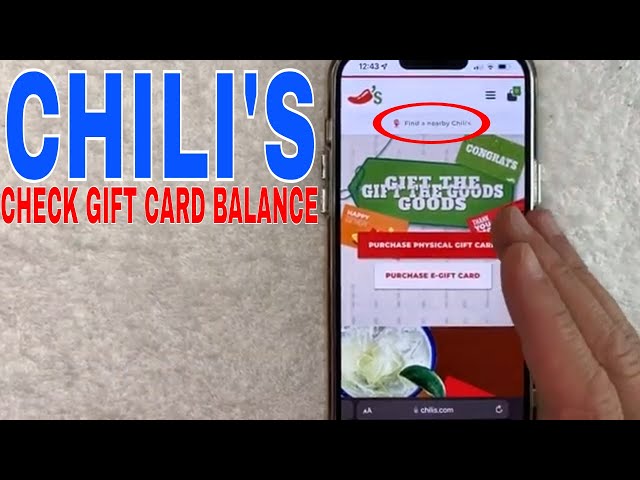
Image source: YouTube
How to Check Your Balance by Phone (24/7)
If you are away from a computer or dealing with a card that has a damaged PIN area, the automated phone line is a strong contender for the most convenient alternative. The system is fully automated, meaning you do not need to wait for a live representative.
Dial 1-888-354-5764 and follow the voice prompts. You will be asked to enter your card number using your telephone keypad. This system is particularly useful for older "legacy" cards that were issued before PINs became a standard security feature for online tools.
How to Check Your Balance at a Chili’s Restaurant
For those already planning to dine in, checking your balance at the restaurant is a highly recommended approach. You have two options here:
- The Ziosk Tablet: Most Chili's locations feature a Ziosk tablet on every table. You can often swipe your gift card through the side of the tablet to view the balance or apply it directly to your bill.
- Ask Your Server: Your server can take the card to the Point of Sale (POS) terminal and print a small receipt showing your remaining balance. This is often the most reliable method if the card's magnetic stripe is worn or damaged.
What to Do If Your Chili's Gift Card Has No PIN
A common pain point for long-time Chili's fans is the "No PIN" dilemma. Older physical cards, as well as certain promotional cards issued during special events, may lack the scratch-off PIN area required by the online balance checker. If your card does not have a PIN, the website will return an error message.
In rare cases, the automated phone system may also fail to recognize a card without a PIN. If this occurs, do not assume the card is invalid. Instead, contact Brinker International corporate support. Local restaurant managers have limited ability to "fix" card data issues and will typically refer you to the corporate gift card help desk.
Why Your Third-Party Gift Card Might Not Work at the Table
Many consumers purchase Chili's gift cards at major retailers like Walmart, CVS, Walgreens, or Kroger. While these cards are legitimate, they occasionally present unique challenges at the restaurant POS system. According to verified employee insights, cards purchased at third-party retailers sometimes fail to "swipe" correctly if they were not activated properly at the original point of sale.
When a card is purchased at a grocery store, the cashier must scan it to activate the funds. If the activation signal to Brinker's servers is delayed or fails, the card will show a zero balance or an "Invalid" status when you try to use it at Chili's. To prevent this, it is an excellent practice to check the balance of a third-party card before you arrive at the restaurant. If the balance shows $0 despite your receipt, you must return to the retailer where you purchased it to resolve the activation error.
Where Can You Actually Use a Chili's Gift Card?
Confusion often arises regarding the "Brinker Ecosystem." Because Chili's is owned by Brinker International, their gift cards have historically been cross-compatible with several other brands. However, the list of accepted locations has changed significantly over the last two decades.
As of 2026, Chili's gift cards are accepted at:
- Chili’s Grill & Bar: All locations in the U.S., Puerto Rico, and Guam.
- Maggiano’s Little Italy: All U.S. locations.
- U.S. Military Bases: Select international military installations that host Chili's franchises.
The "Legacy" Confusion: It is important to note that Chili's gift cards are no longer accepted at On The Border Mexican Grill & Cantina or Romano’s Macaroni Grill. Brinker International sold Macaroni Grill in 2008 and On The Border in 2010. While very old cards might still feature these logos, the current POS systems at those restaurants are no longer linked to the Brinker network.
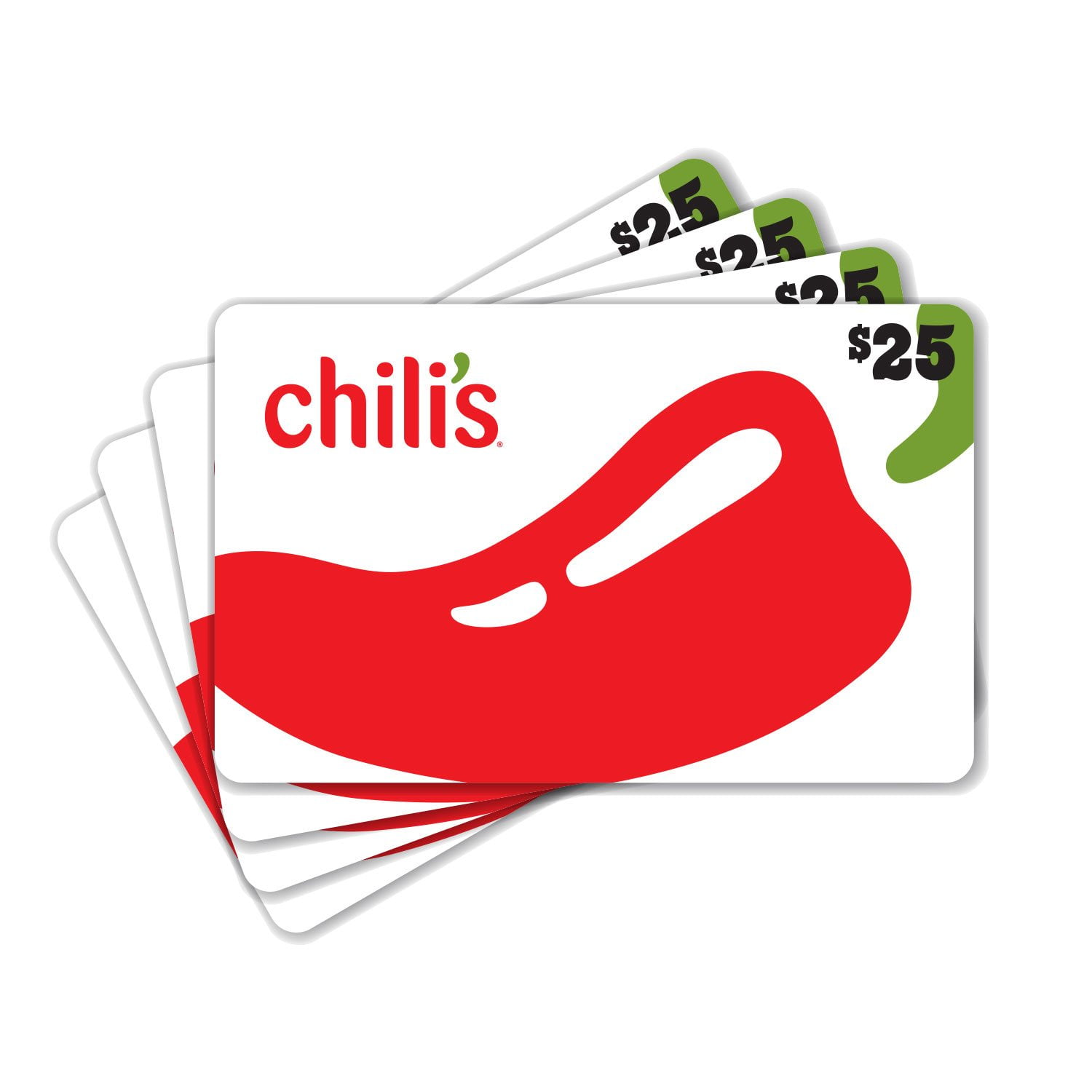
Image source: Sam's Club
How to Add Your Gift Card to the Chili's Mobile App
For frequent diners, the "My Chili's Rewards" app offers a significant advancement in card management. By adding your gift card to the app, you can track your balance in real-time and pay for your meal without needing the physical card.
To add a card, open the Chili's app and navigate to the "Payment Methods" section. Enter your card number and PIN. Once saved, the card becomes a digital payment option. When you dine in, you can simply enter your phone number or scan your loyalty code at the Ziosk tablet, and the app will allow you to apply your gift card balance to the check. This method ranks among the top ways to ensure you never lose track of small remaining balances (like that $2.43 left over from your last visit).
How to Avoid Chili's Gift Card Scams and Phishing
As gift cards remain a popular target for fraudsters, staying vigilant is essential. One specific anomaly to be aware of is the "Woosie" Caller ID issue. Some users have reported that when calling the official 1-888-354-5764 number, their phone's Caller ID displays strange names like "The Woosie" or "Unknown Caller." Based on community wisdom, this is a known technical quirk of the automated system and does not necessarily indicate a scam, provided you dialed the correct number found on the official CashStar/Chili's site.
However, you should never use unofficial balance-check websites that ask for your card number. These sites are often phishing attempts designed to steal your funds. Only trust the official Brinker/Chili's portal or the phone number printed directly on the back of your card. Furthermore, Chili's will never ask you to provide your gift card PIN over social media or via an unsolicited text message.
Comparing Chili's Gift Card Balance Check Methods
To help you decide which method fits your current needs, refer to the comparison table below. Each method offers a different balance of speed and accessibility.
| Method | Speed | Requires PIN? | Best For |
|---|---|---|---|
| Online Portal | Instant | Yes | Quick checks at home or on mobile |
| Automated Phone | 2-3 Minutes | No | Older cards or damaged PINs |
| In-Store (Ziosk) | Instant | No | Checking right before you pay |
| Mobile App | Instant | Yes | Frequent diners and rewards members |
Frequently Asked Questions
- Do Chili's gift cards expire or have fees?
- No, Chili's gift cards do not have an expiration date, and Brinker International does not charge any maintenance or inactivity fees. The value you put on the card remains there until it is fully spent. This makes them a top-tier choice for long-term gifting.
- Can I use my Chili's gift card at Maggiano's Little Italy?
- Yes, because both brands are owned by Brinker International, you can use your Chili's card at any Maggiano's location in the United States. However, they are no longer accepted at On The Border or Macaroni Grill, as those brands were sold to other parent companies years ago.
- What is the maximum value I can load onto a Chili's card?
- Standard consumer gift cards typically have a minimum load of $10 and a maximum of $100. For larger amounts, you may need to purchase multiple cards or look into corporate bulk purchasing options through the official Brinker website.
- What should I do if I lost my eGift card email?
- If you cannot find your digital card, you should contact CashStar support, which is the official digital processor for Chili's. They can resend the email to the original recipient. You will likely need the order number or the email address used during the initial purchase.
- Can I get cash back for a remaining balance on my card?
- Generally, Chili's gift cards are not redeemable for cash. However, many states (such as California, Colorado, and Massachusetts) have laws requiring retailers to provide cash back for gift cards with small balances (typically under $5 or $10). Check your local state regulations for specific details.
- Why does the website say "Invalid Card Number" when I check my balance?
- This error usually stems from a typo or an activation issue. Double-check that you haven't confused a "0" (zero) with an "O" (letter). If the number is correct, the card may not have been activated properly at the retail store where it was purchased. In this case, you must contact the retailer with your receipt.
The Bottom Line: Key Takeaways
- Use the online portal for the fastest results if you have a card with a visible PIN.
- Call 1-888-354-5764 if your card is an older version that lacks a security PIN.
- Verify third-party cards (from Walmart, CVS, etc.) before heading to the restaurant to ensure they were activated correctly.
- Leverage the Chili's App to store your card digitally for a more seamless dining and payment experience.
- Remember the ecosystem : Your card works at Chili's and Maggiano's, but not at On The Border or Macaroni Grill.
- Protect your PIN and only use official Brinker websites to avoid potential phishing scams.
Before your next visit to Chili's, take a moment to verify your balance using the automated phone line or the official website to ensure your meal ends as smoothly as it begins.